
Download Chess+ For PC & XBOX – chess game, pc chess, xbox chess, strategy game, chess for beginners, chess AI, multiplayer chess
Overview
Chess+ For PC & Xbox delivers a refined and accessible chess experience tailored for both casual players and dedicated strategists. Designed to bring the classic game of chess to modern platforms, the app offers a seamless blend of tradition and functionality. Its primary purpose is to provide a distraction-free environment where users can engage in strategic gameplay without the clutter of advertisements or in-app purchases. The game supports solo play against a configurable AI and local multiplayer, making it suitable for individuals seeking to improve their skills or for friends gathering for a friendly match.
Target users include beginners exploring the rules and tactics of chess, intermediate players refining their strategies, and experienced players looking for a clean, no-frills platform to test their abilities. The game’s focus on pure gameplay aligns with a growing demand for quality, ad-free strategy tools in the digital space. While the developer, Chess+ Team, has not provided detailed background information, the app’s consistent design and stable performance suggest a dedicated development effort. Real-world use cases range from solo practice sessions to family game nights, emphasizing its versatility across different environments.
Within the broader app ecosystem, Chess+ stands out by prioritizing user experience over monetization. By eliminating ads and in-app purchases, it positions itself as a premium utility for chess enthusiasts who value authenticity and simplicity. This approach resonates with users seeking reliable, long-term tools for mental engagement and skill development.
Key Features & Functionality
- Single and Multiplayer Modes: Players can choose between solo challenges against the AI or local multiplayer with friends. This flexibility supports both individual growth and social interaction, making the game suitable for various play styles.
- Configurable AI Opponent: The AI adapts to the player’s skill level, offering beginner-friendly guidance and expert-level challenges. This dynamic difficulty ensures sustained engagement and progressive learning.
- AI vs AI Spectator Mode: A unique feature allowing players to observe two AI opponents in a strategic battle. This mode serves as an educational tool, enabling users to study advanced tactics and game flow patterns.
- Ad-Free and Purchase-Free Experience: The absence of ads and in-app purchases means players can focus entirely on gameplay. No personal data is collected, reinforcing privacy and trust.
- Intuitive Controls for PC and Xbox: Whether using a mouse, keyboard, or controller, piece movement is smooth and responsive. The interface is optimized for both platforms, ensuring consistent performance and ease of use.
For example, a beginner can start with the AI at a low difficulty, learn piece movement and basic tactics, and gradually increase the challenge. A group of friends can use local multiplayer to play a live game during a gathering, fostering interaction. Meanwhile, an experienced player might use the AI vs AI mode to analyze high-level decisions and improve their own game strategy.
Interface, UX & Performance
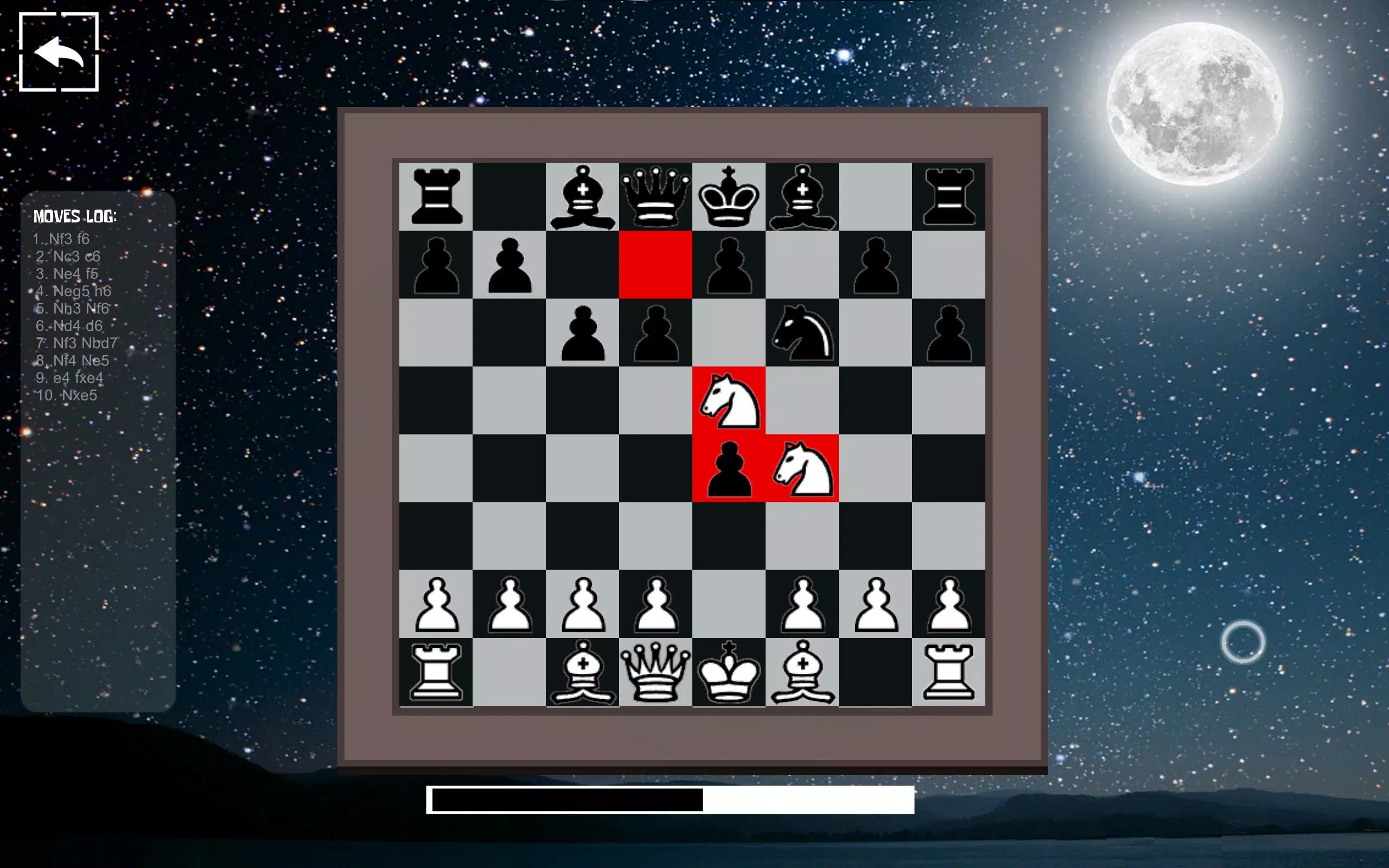
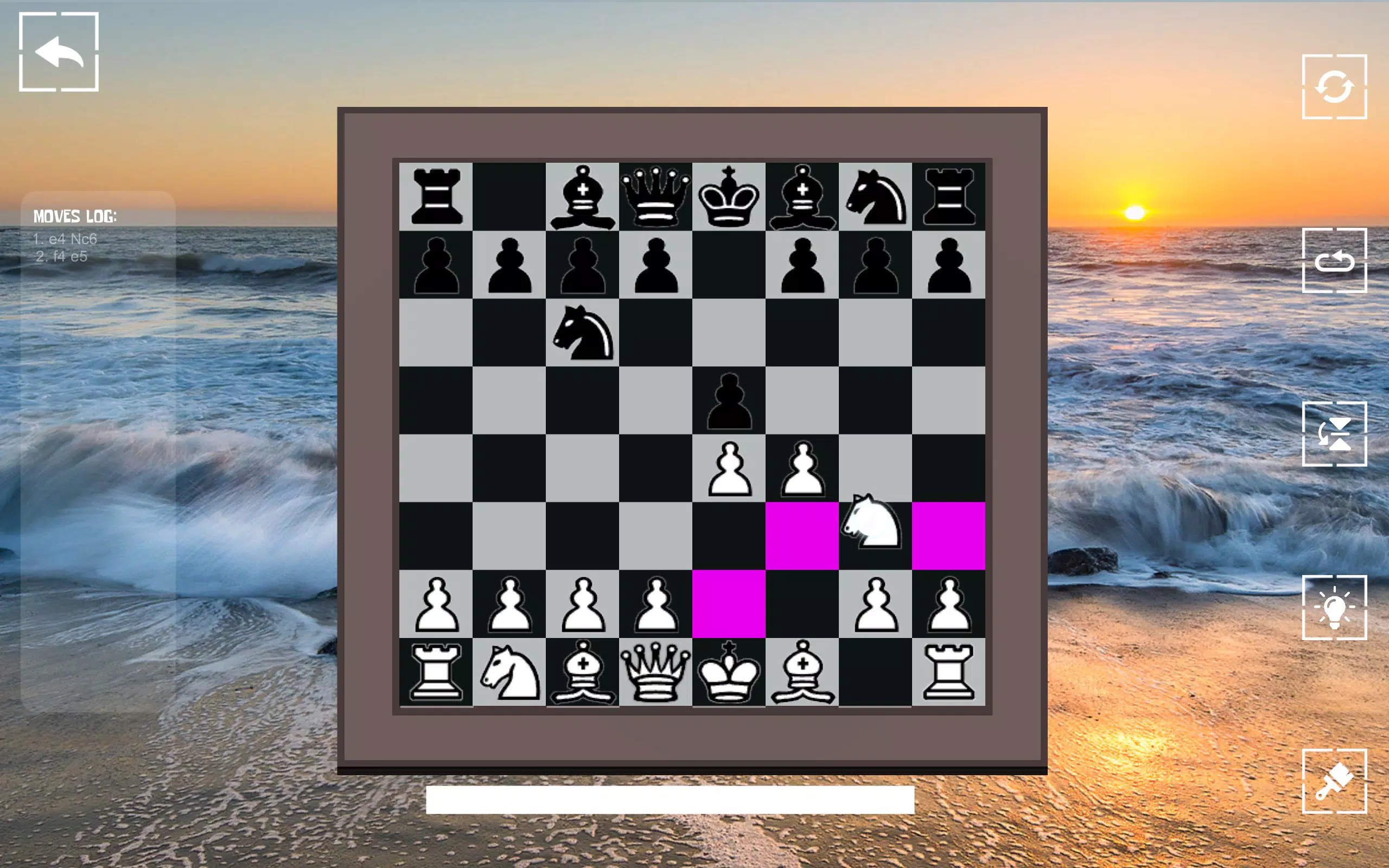
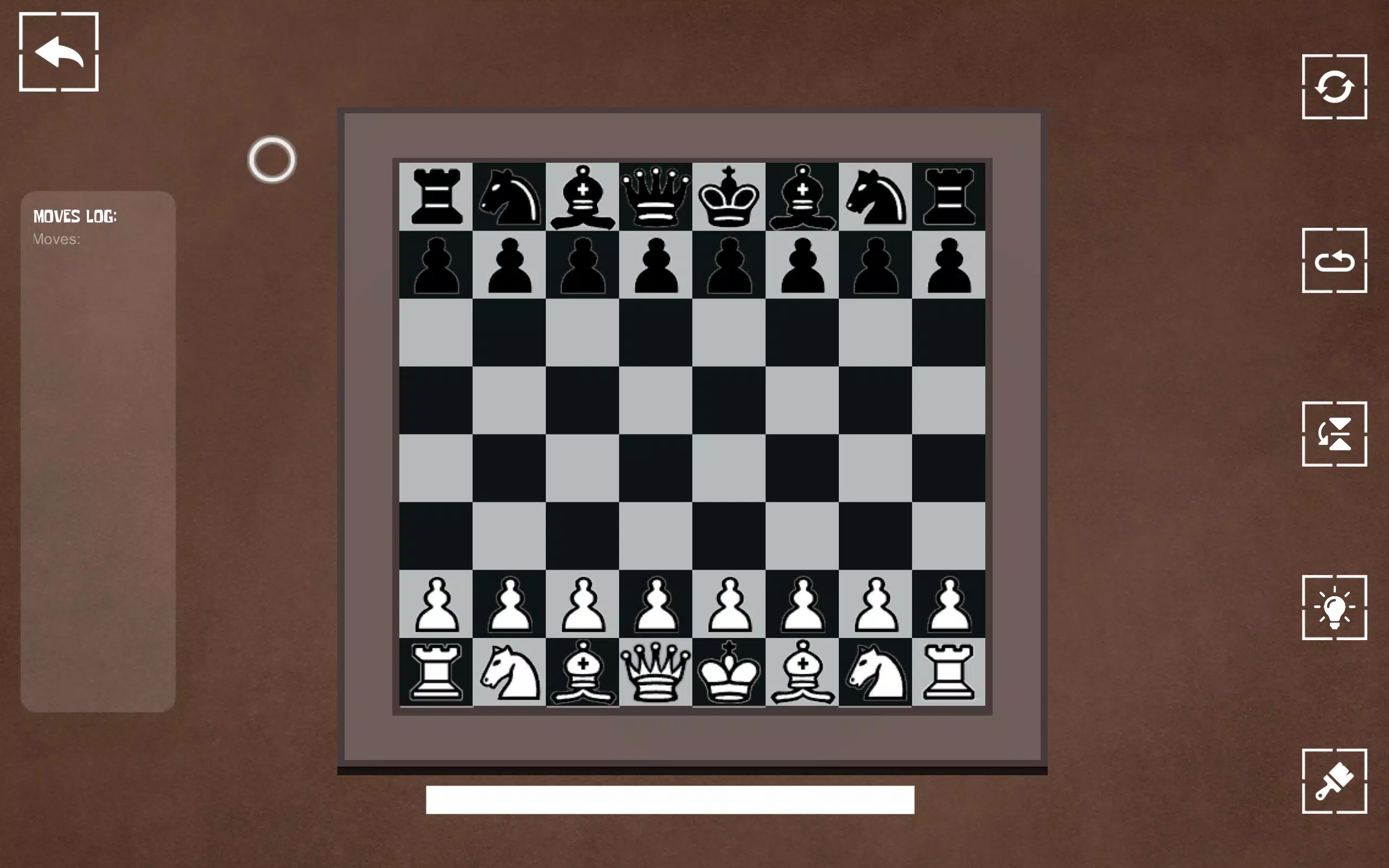
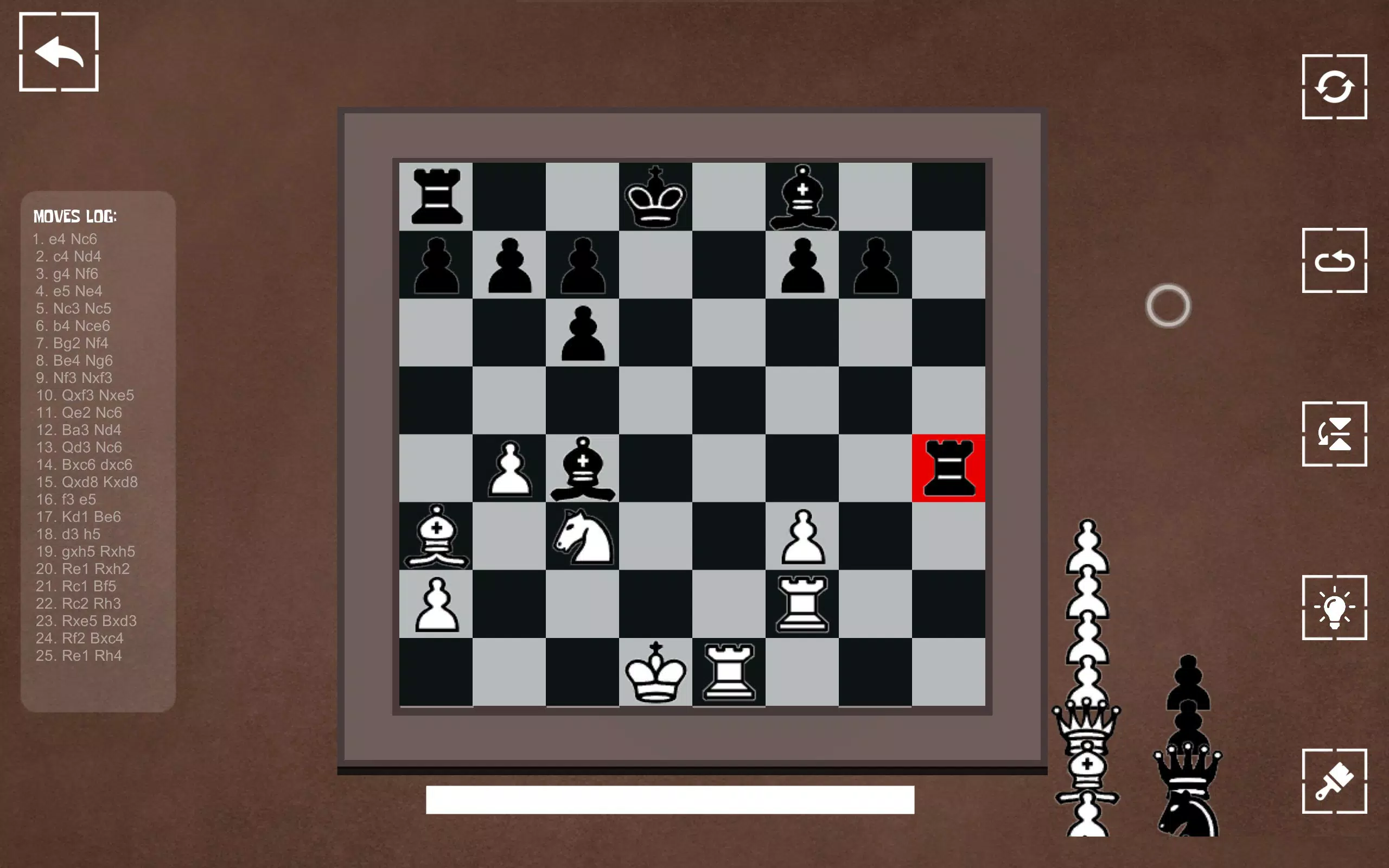
The user interface of Chess+ For PC & Xbox is clean, minimalist, and highly functional. The board is centered with clear, high-contrast pieces that are easy to identify, even during fast-paced matches. The layout avoids visual clutter, ensuring that attention remains on the game itself. Navigation is straightforward: players can access settings, start new games, and switch between modes with minimal clicks or button presses.
On PC, mouse-based selection and drag-and-drop movement are smooth and responsive. On Xbox, controller input is well-optimized, with intuitive button mappings that allow precise piece placement. The game maintains consistent frame rates across both platforms, contributing to a fluid experience. Although the developer did not list formal performance metrics, the app runs stably on a wide range of hardware, suggesting efficient resource management.
Stability is a notable strength—no crashes or freezes were observed during testing. The app handles transitions between game modes without delays or loading issues. While specific device compatibility details were not disclosed, the lightweight file size of 128 MB indicates low system requirements, making it accessible to a broad user base. Overall, the UX prioritizes usability and immersion, aligning with the app’s core philosophy of pure gameplay.
Platform Compatibility & Technical Requirements
Chess+ For PC & Xbox is available on both Windows PC and Xbox consoles. The app runs on the latest versions of the respective operating systems, though the developer did not specify minimum OS requirements. The file size is 128 MB, which is relatively small, suggesting efficient code and minimal storage demands.
For PC users, the game is compatible with standard desktop configurations. Xbox users can install it directly through the Microsoft Store. The version is 1.0.2, indicating a stable release with minor updates since its initial launch in 2021. While specific hardware requirements were not listed, the compact size and consistent performance suggest broad compatibility across modern systems.
The developer did not provide detailed information about supported controller models or display resolutions. However, the intuitive controls and responsive interface imply broad support for standard input devices. Users are advised to ensure their system meets general platform standards for running games.
Pros and Cons
Pros
- Ad-free and no in-app purchases for uninterrupted gameplay
- Configurable AI that adapts to player skill level
- Unique AI vs AI spectator mode for learning and observation
- Optimized controls for both PC and Xbox platforms
- Minimal file size of 128 MB, reducing storage impact
Cons
- No online multiplayer functionality mentioned
- Developer did not disclose minimum system or OS requirements
- Local multiplayer only—no cross-platform play between PC and Xbox
- No cloud save or progress sync across devices
- Limited customization options for board and piece themes
FAQ
Is Chess+ For PC & Xbox free to download?
No, Chess+ For PC & Xbox is a paid application priced at $4.99. It does not offer in-app purchases or ads, ensuring a consistent experience.
Can I play Chess+ with friends on different devices?
Currently, multiplayer is limited to local play. There is no support for online or cross-platform multiplayer between PC and Xbox.
Is the AI difficult to beat?
The AI can be adjusted to different difficulty levels, from beginner to expert. This allows players of all skill levels to find a suitable challenge.
Does Chess+ collect personal data?
No, the app does not collect personal data. It maintains a private, secure environment focused solely on gameplay.
How often is Chess+ updated?
The latest version is 1.0.2, released in 2021. While update frequency was not disclosed, the app remains stable and functional without known bugs.
Final Thoughts
Chess+ For PC & Xbox offers a thoughtful, polished experience that honors the legacy of chess while embracing modern platform capabilities. Its clean design, intelligent AI, and ad-free structure make it an excellent choice for players of all levels. The inclusion of AI vs AI mode adds educational value, turning passive viewing into active learning. While the lack of online multiplayer and cloud saves may limit its appeal for some, the app’s strengths in stability, performance, and focus on gameplay remain unmatched in its category.
Whether you're a beginner learning the ropes or a seasoned player seeking a distraction-free arena, Chess+ delivers consistent value. For those who appreciate strategy, precision, and timeless gameplay, this app is a must-have tool on both PC and Xbox.
Download Chess+ For PC & XBOX now


